01 / Objects

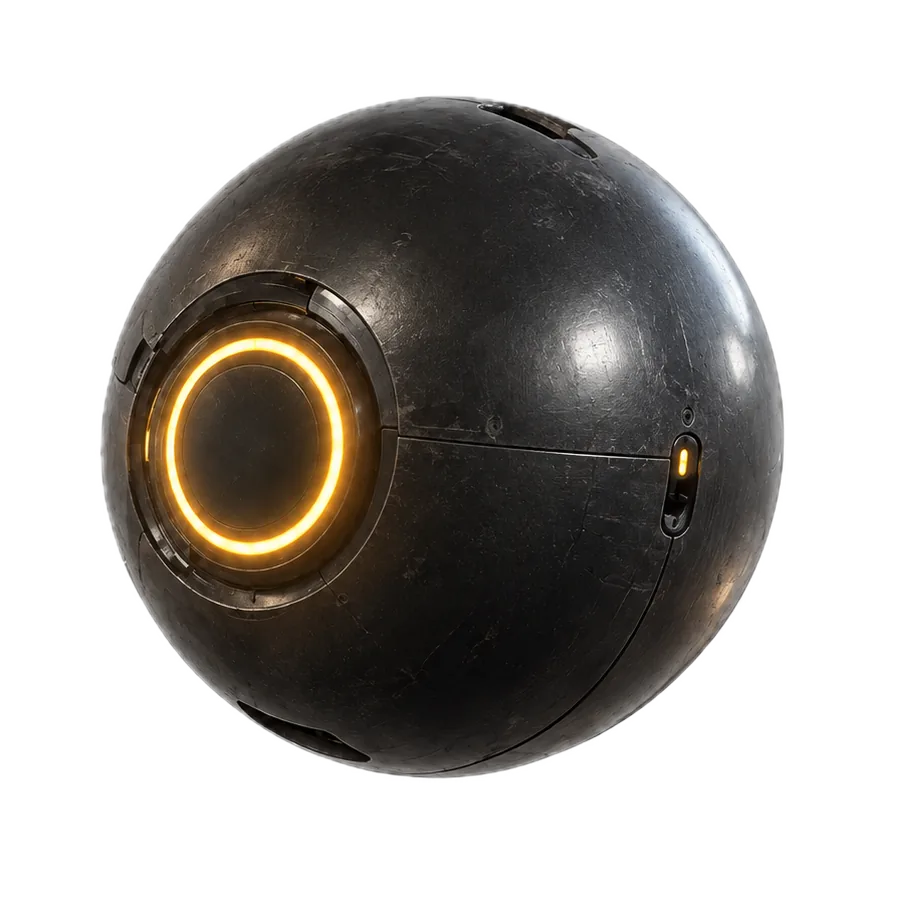
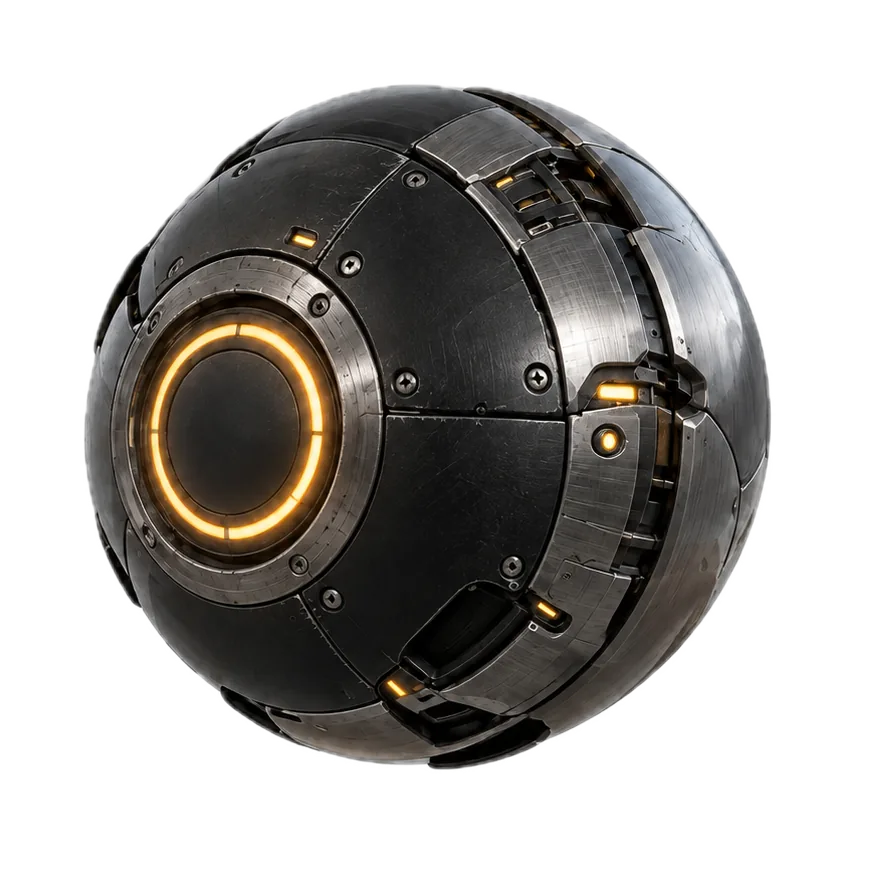
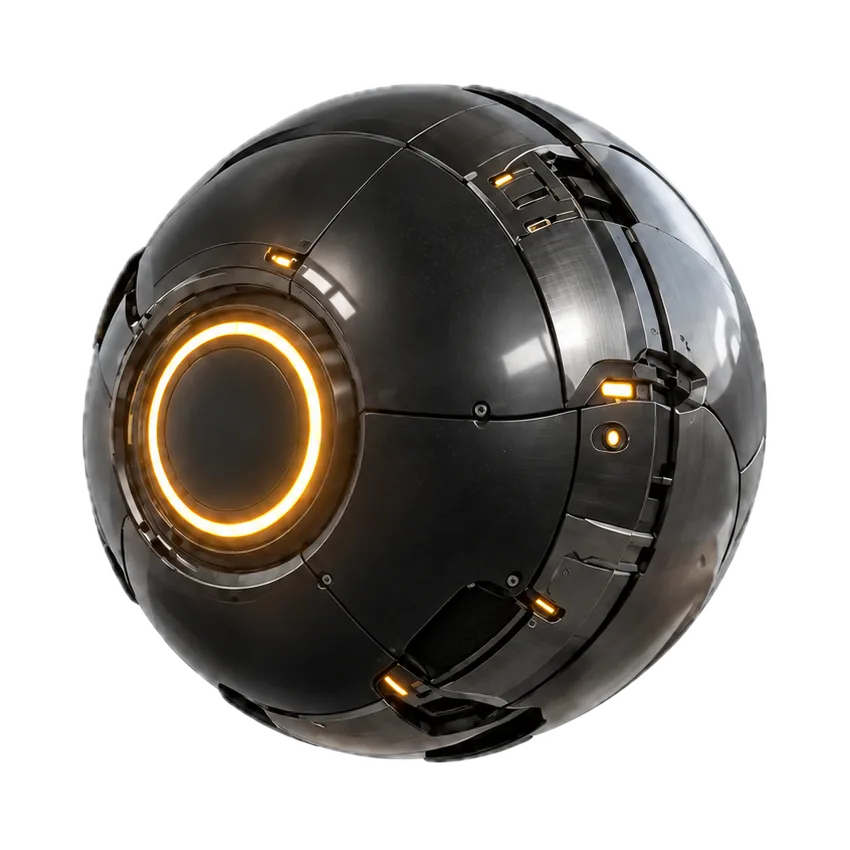
Generate in-world objects.
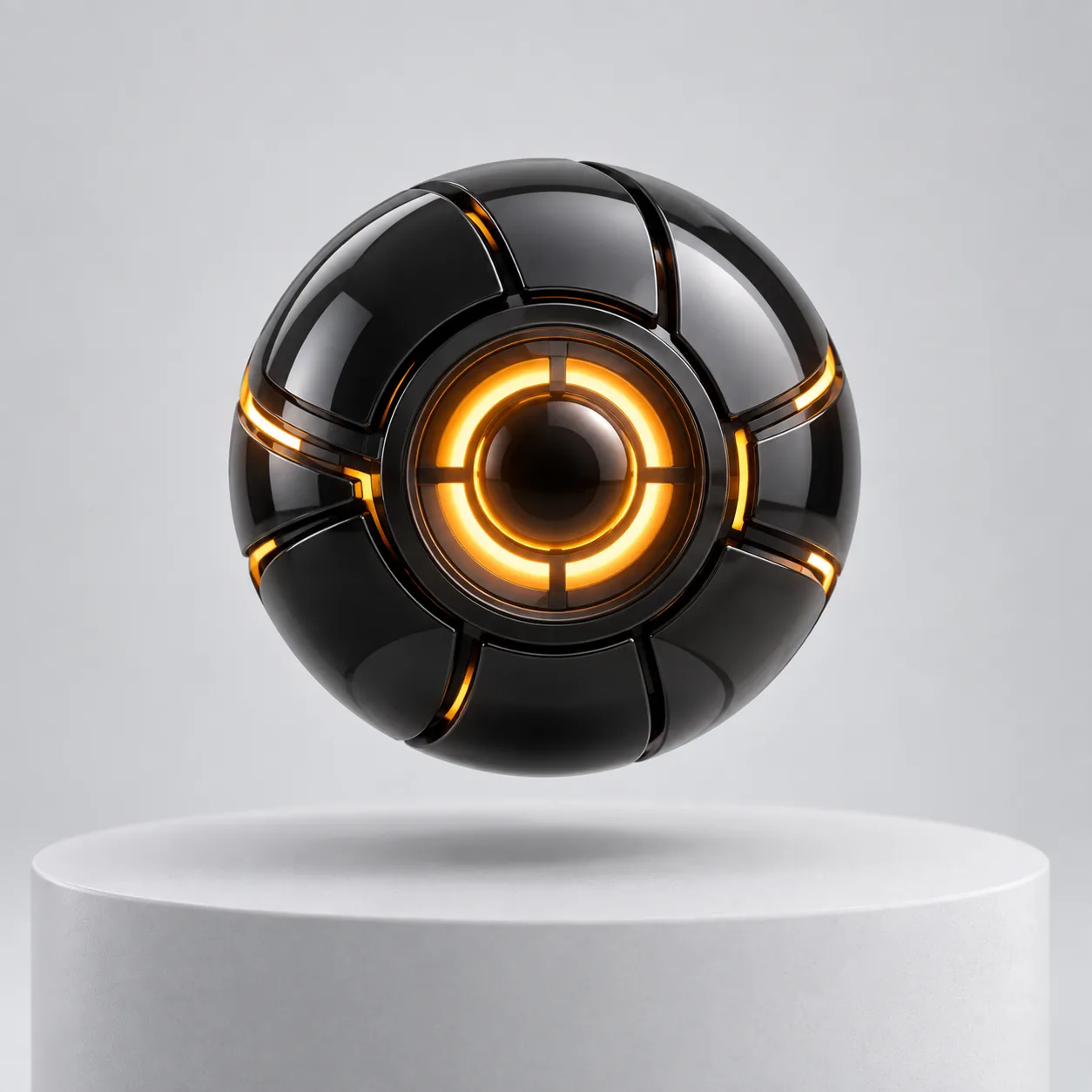
Orbit remains available as an approved product or prop anywhere the world needs it.
Create characters, worlds, objects, and scenes with AI agents — then keep building on them across tools and formats.
A world keeps its shape
when the tool changes.
px keeps characters, locations, scenes, and representations resolvable for the next creative move.
From the first character to the next scene, see how px keeps your creative world connected.
01 / give your creative projects memory
01 / Objects
Orbit remains available as an approved product or prop anywhere the world needs it.
02 / Characters
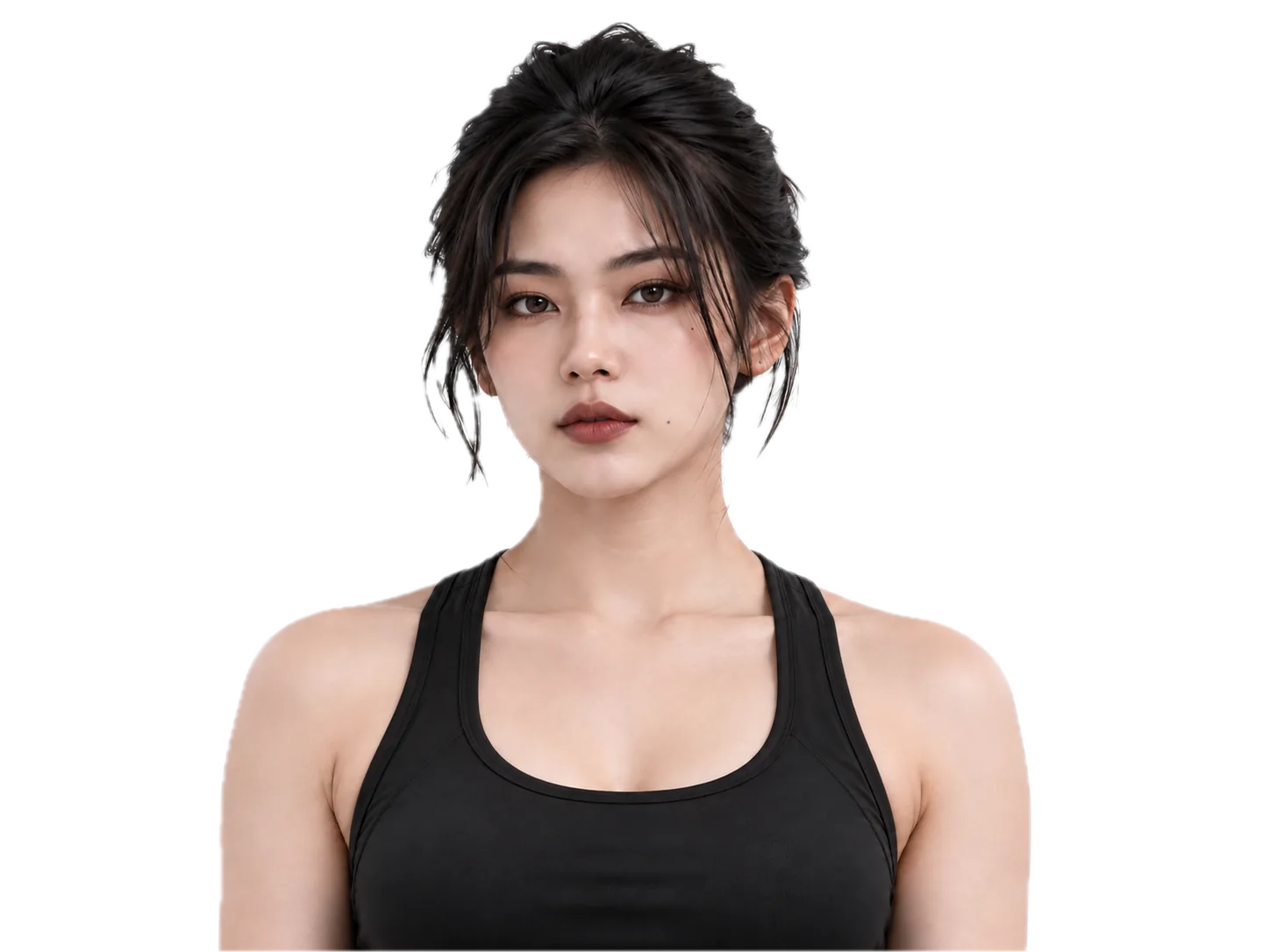
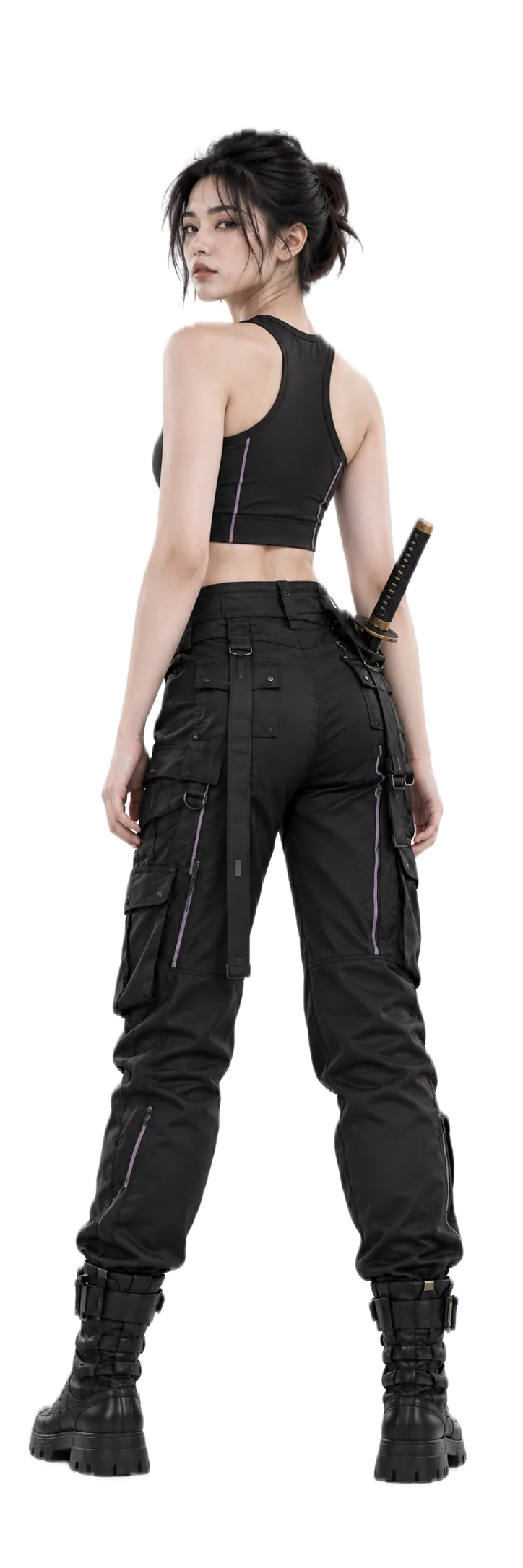
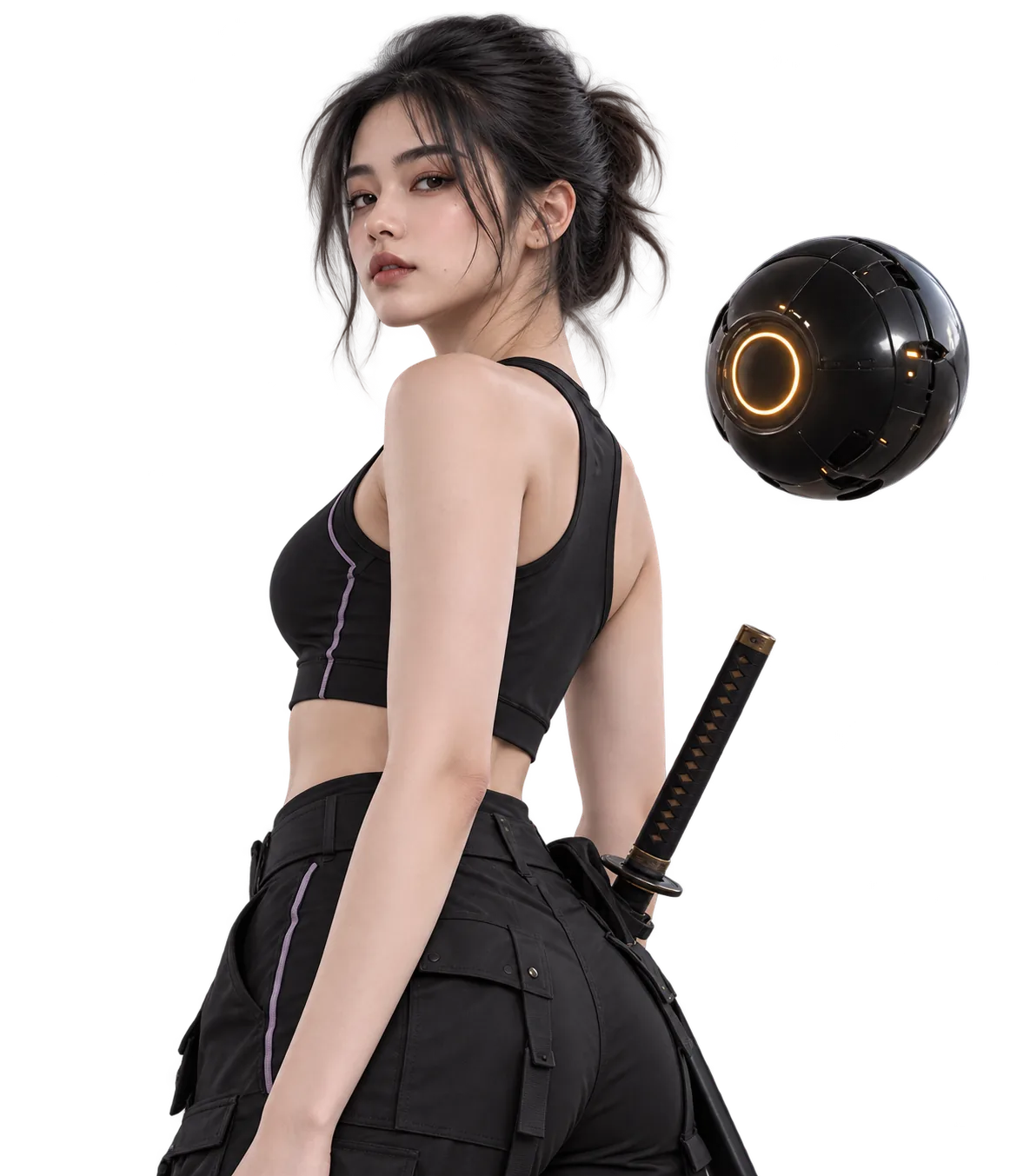
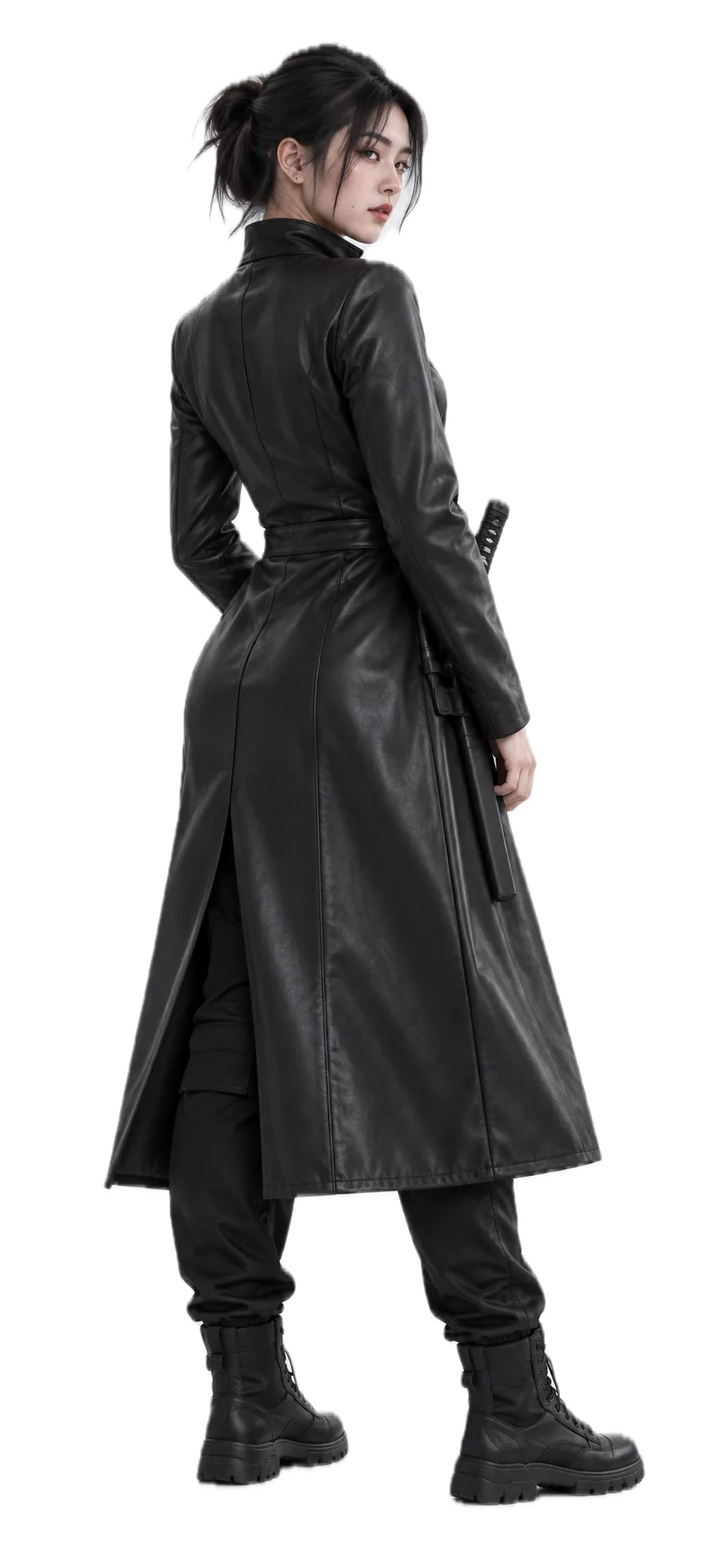
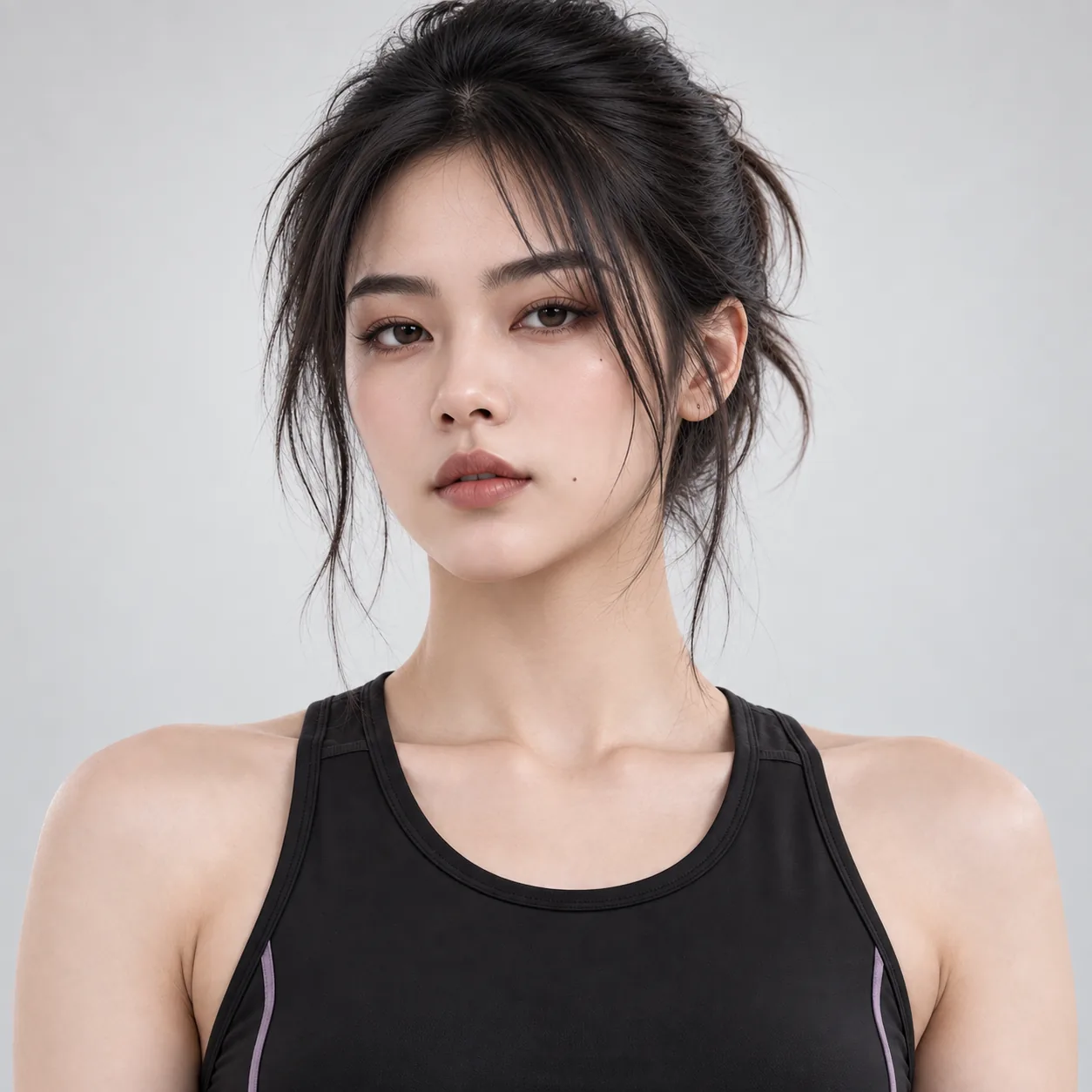
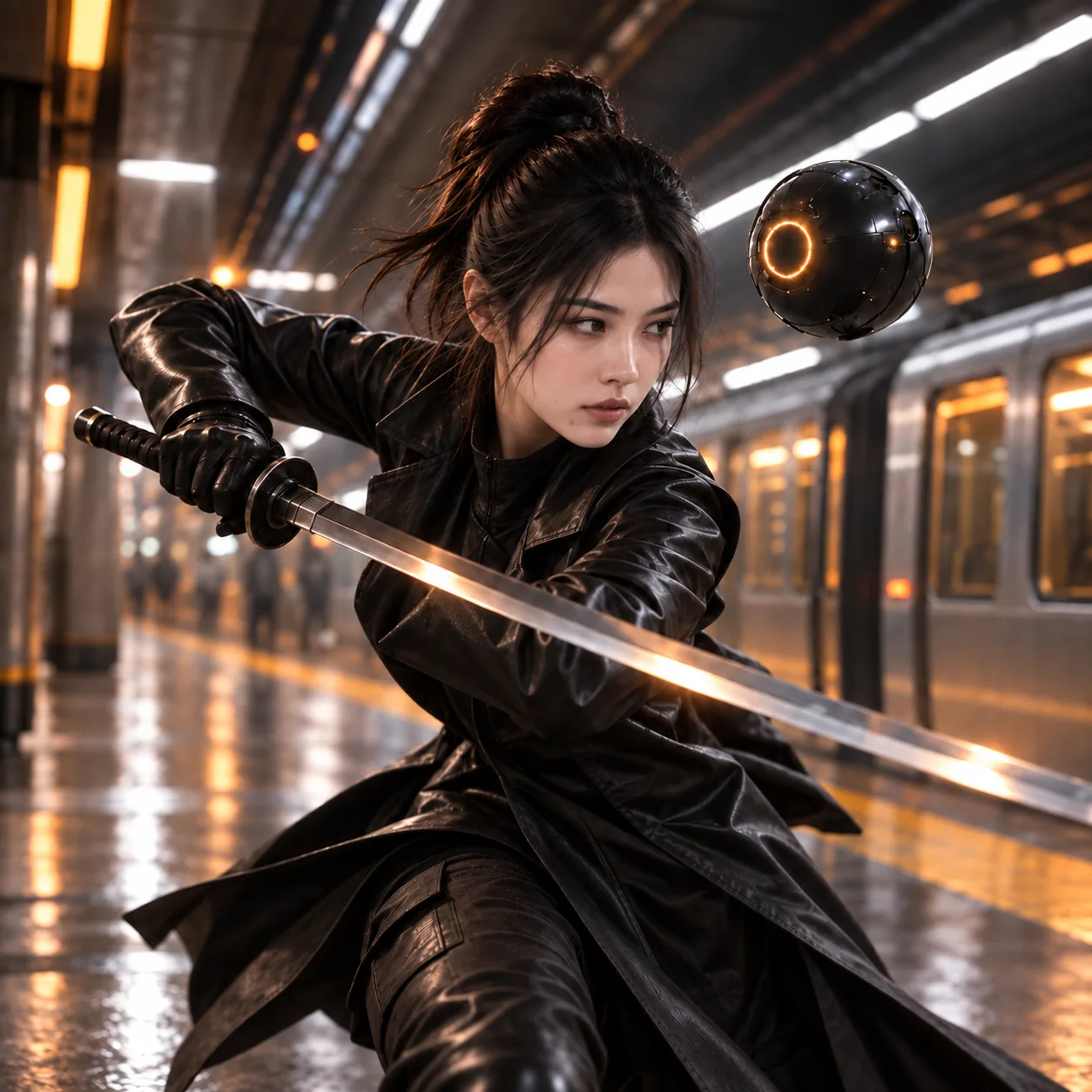
Dua keeps her identity across a character sheet, portrait, action pose, and wardrobe variants.
03 / Scenes
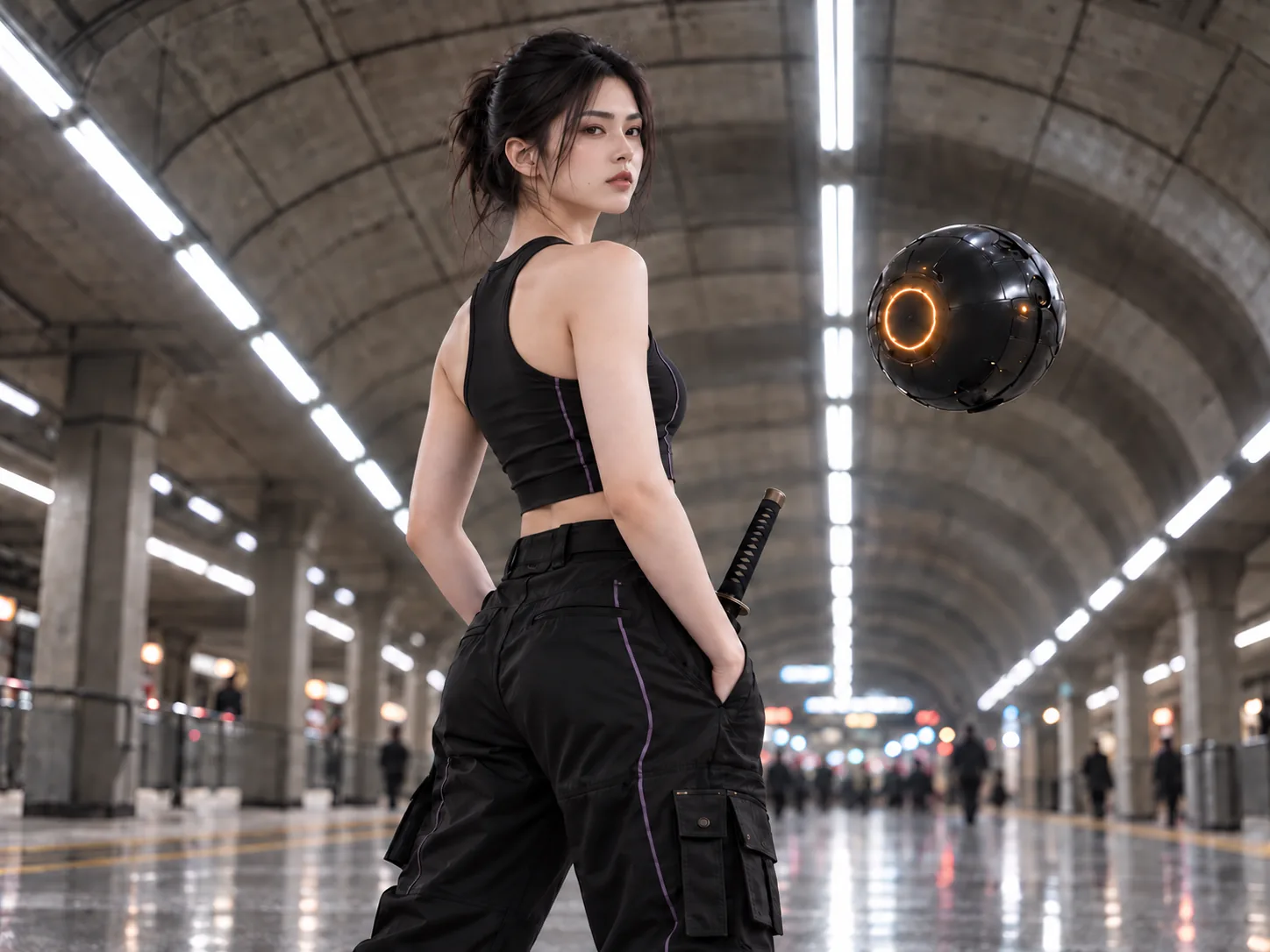
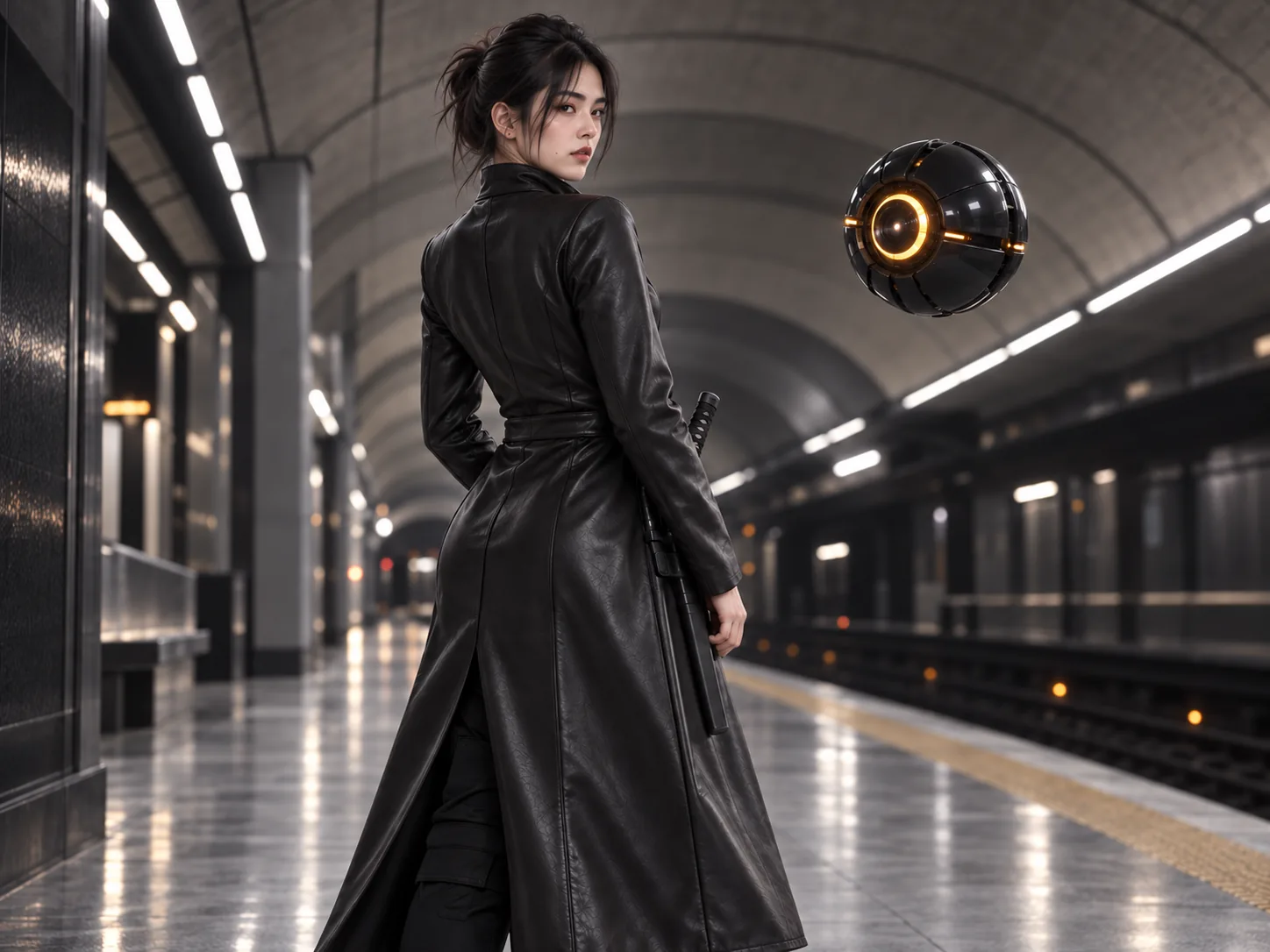
Resolve Dua, Orbit, and Underground Station together for the next scene or campaign.
02 / "Eye Candy"
The same character, product, wardrobe, and location remain available to every new scene, campaign, or tool.
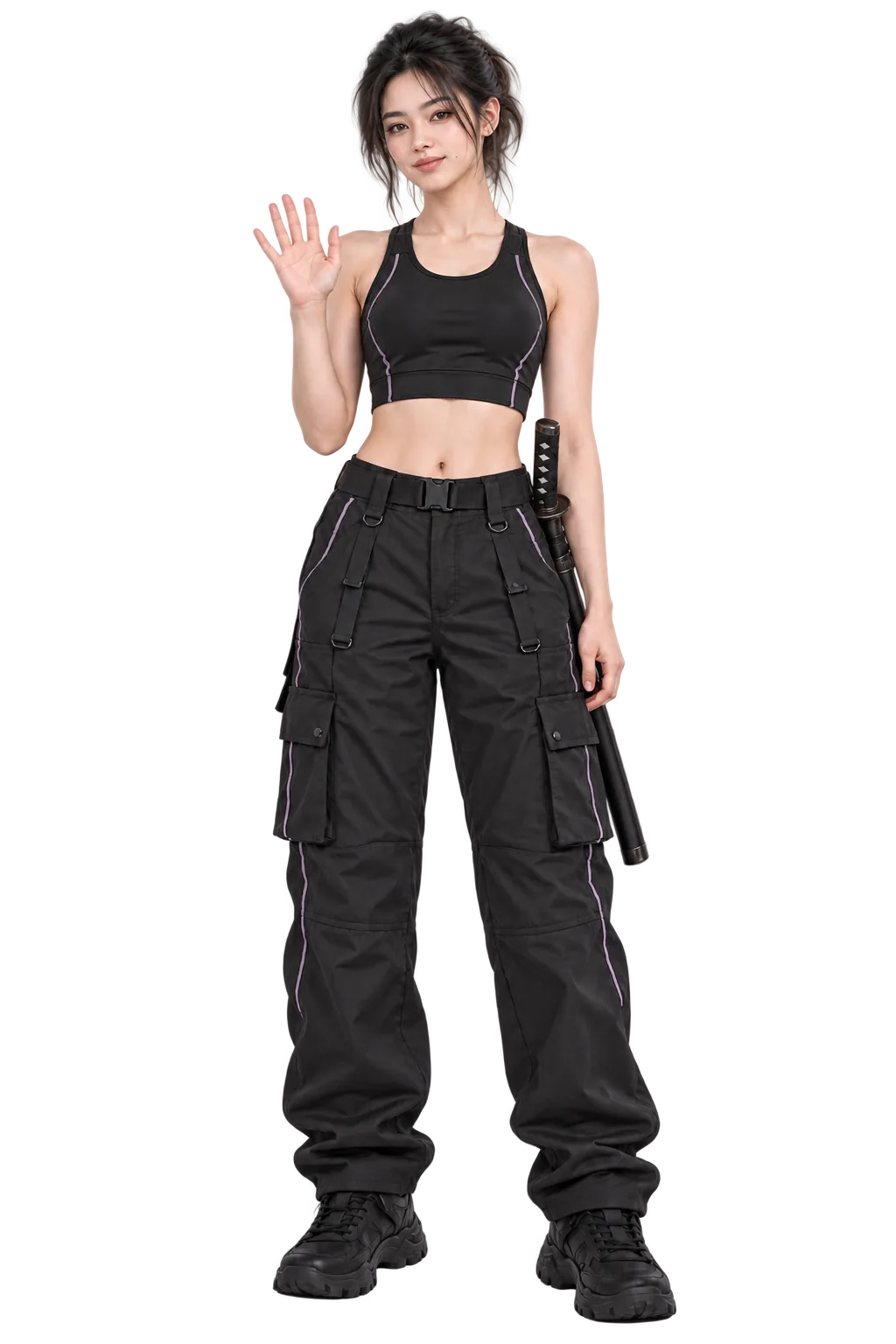
Dua starts in a performance-fashion sport top and technical pants. Her coat is a reusable variant; her katana stays part of the character context.
01 / Create Dua
Establish a character once, then keep her face, base outfit, and narrative attributes intact.
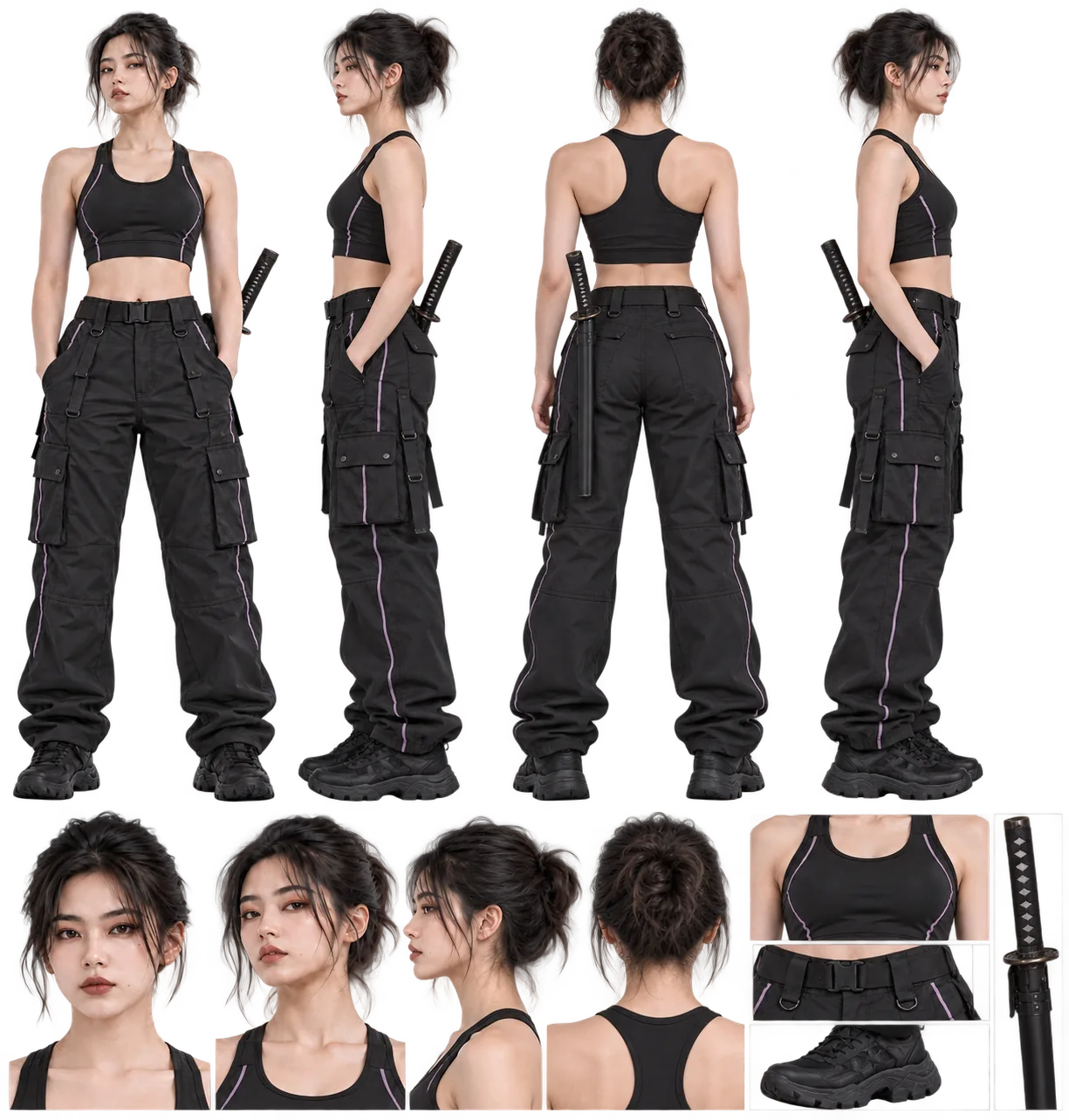
02 / Keep the character
Use the same Dua in the base outfit, the technical coat variant, or a katana action pose.
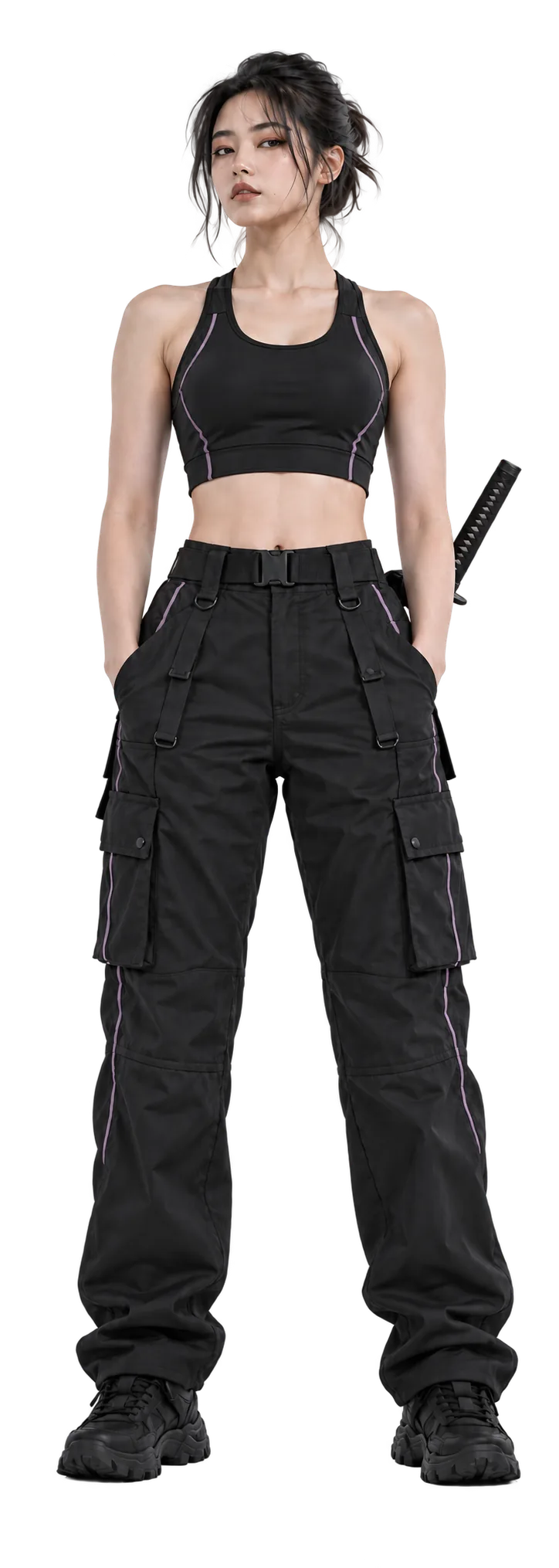
Base outfit
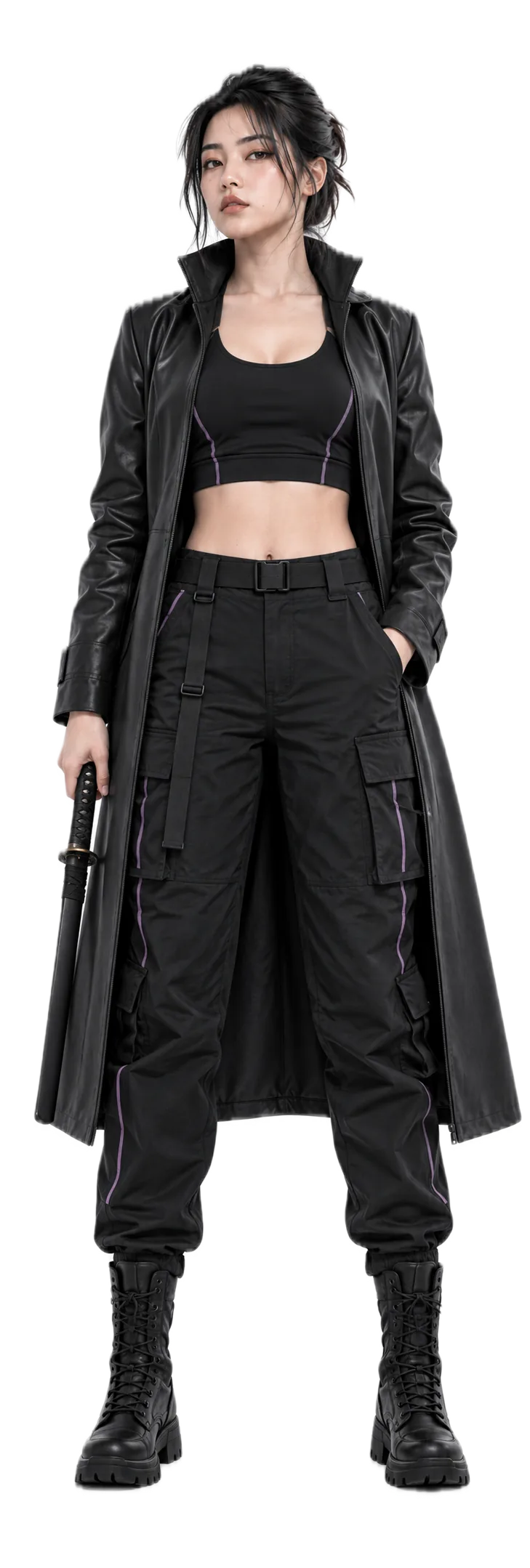
Coat variant
03 / Revise and reuse
Resolve Dua + Orbit + Underground Station for a new cinematic scene, editorial campaign, or video sequence.
03 / entity, not a file
Keep the entity. Change the representation. px keeps every usable form connected to Dua’s source identity and relationships.
px://eye-candy/character/dua
id: px://eye-candy/character/dua
name: Dua
entity_type: character
version: 23
properties:
  occupation: sentinel officer
  wardrobe: highest-tech dark sentinel officer suit; precision-tailored, adaptive technical fabric, integrated armor-weave, subtle engineered seams; no cape
  negative_constraints: no cape; no insignia; no logos; no fantasy armor; no firearms; no extra characters; no text; no watermark
  role: protagonist
  species: human
  visual_constraints: mature; cinematic; hyperwarm highlights against contr...
Portrait
Action
3D

Audio
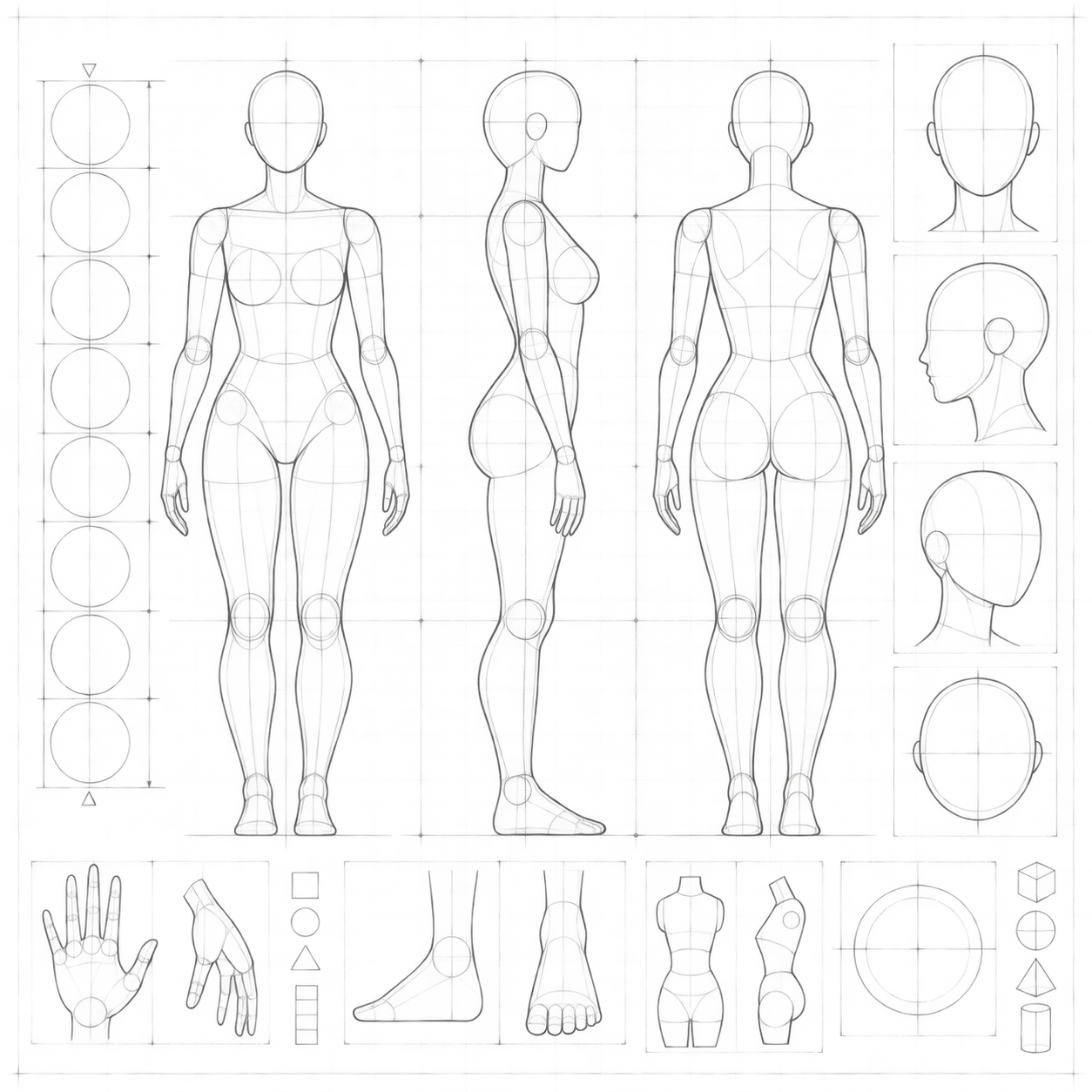
Sheet
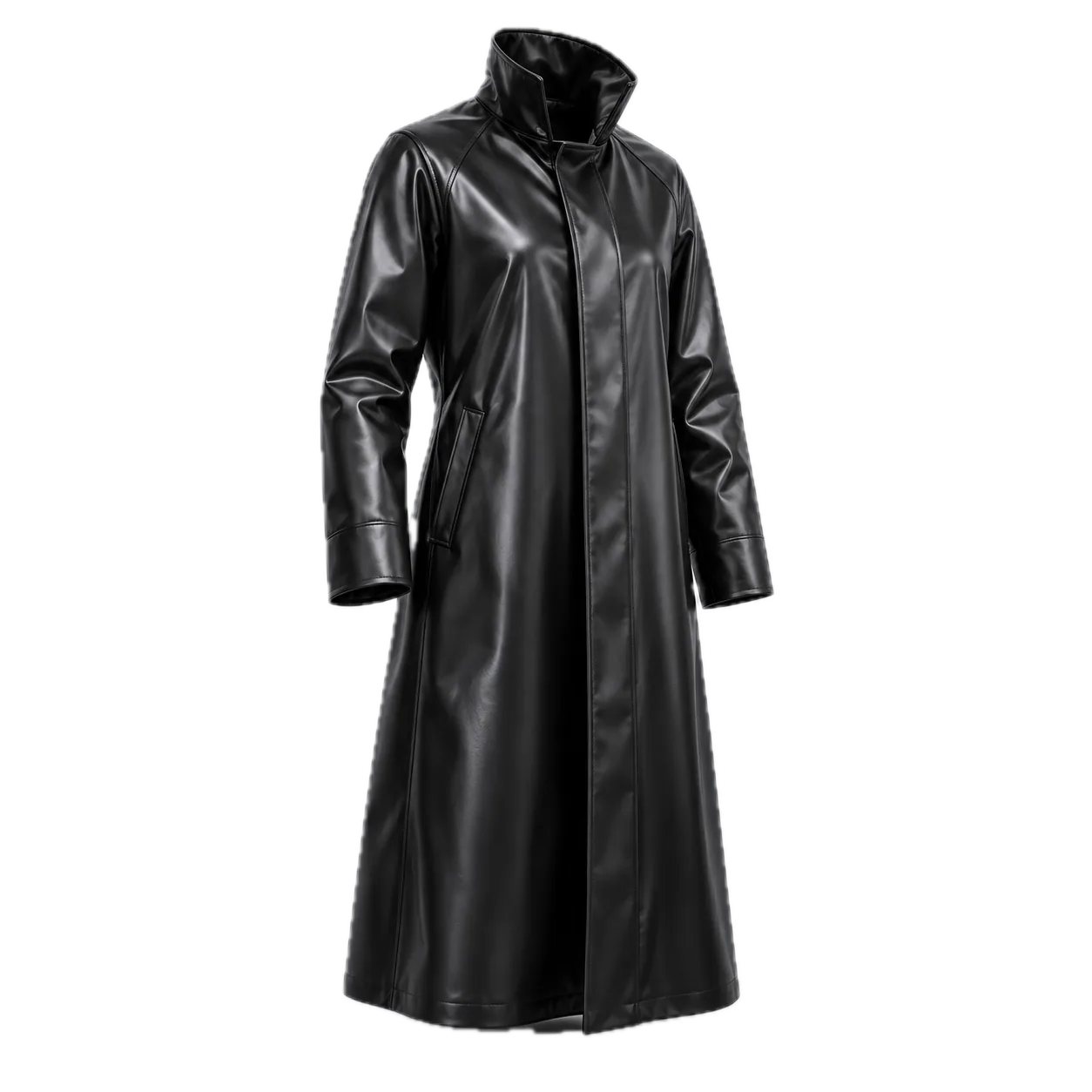
Coat
04 / how px works
01
A px:// URI identifies a narrative resource.
02
A readable, versionable YAML manifest.
03
Content-addressed snapshots.
04
Resolve a resource or representation for the next task.
05 / for brand teams
Keep approved products, talent, styling, and campaign context consistent across every tool, format, market, and deliverable.
One source of truth. Hundreds of on-brand outputs.
Approved Versions
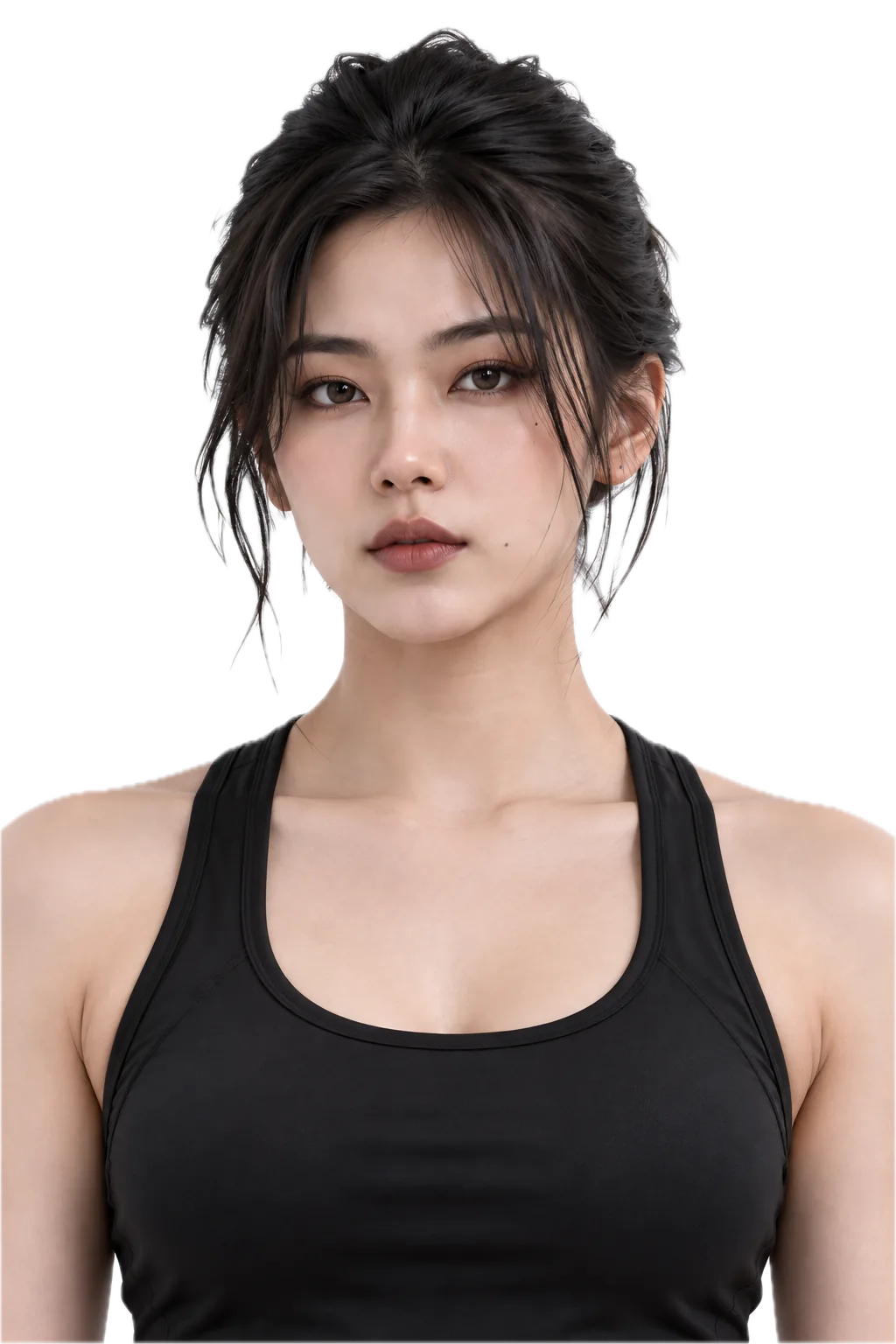
Dua
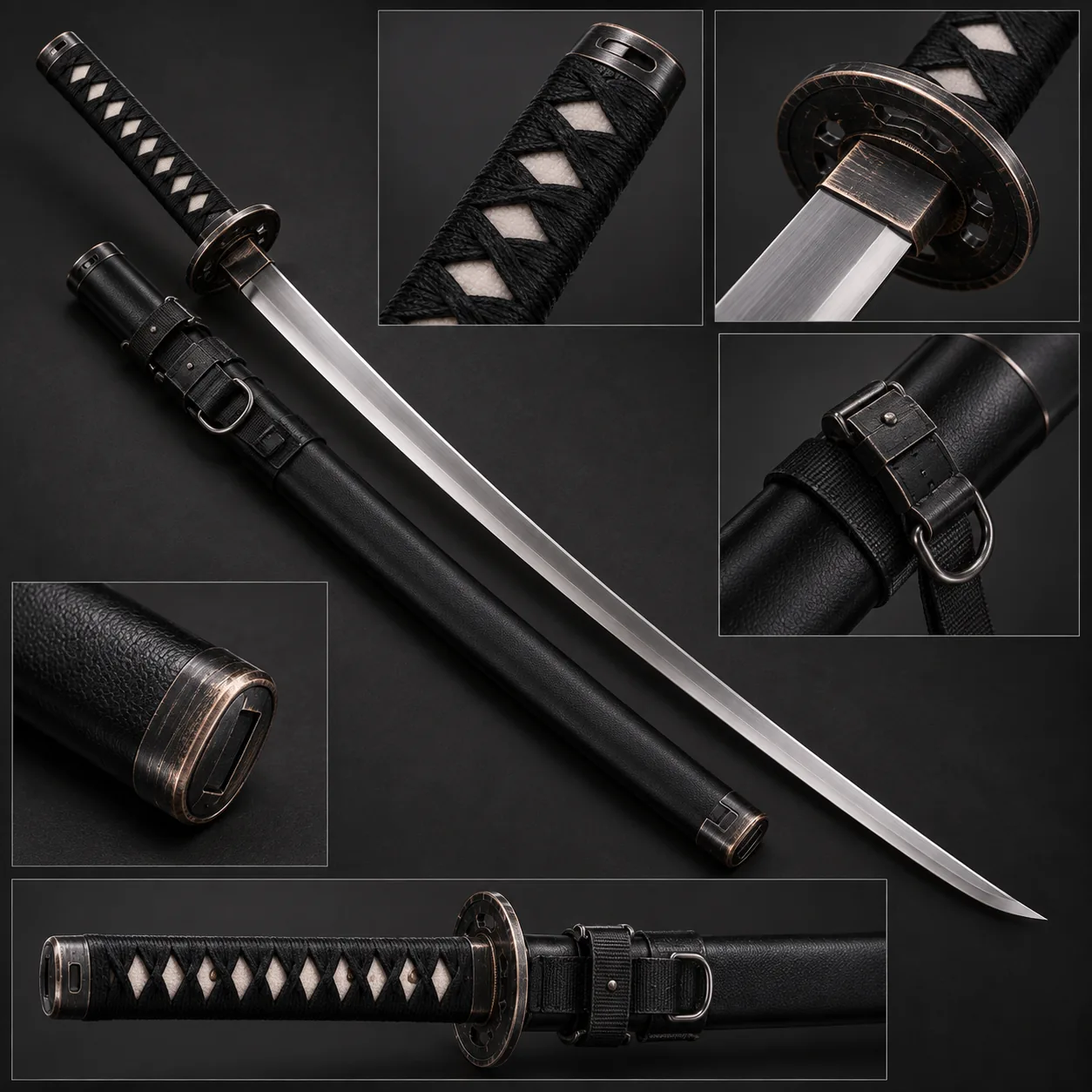
Katana
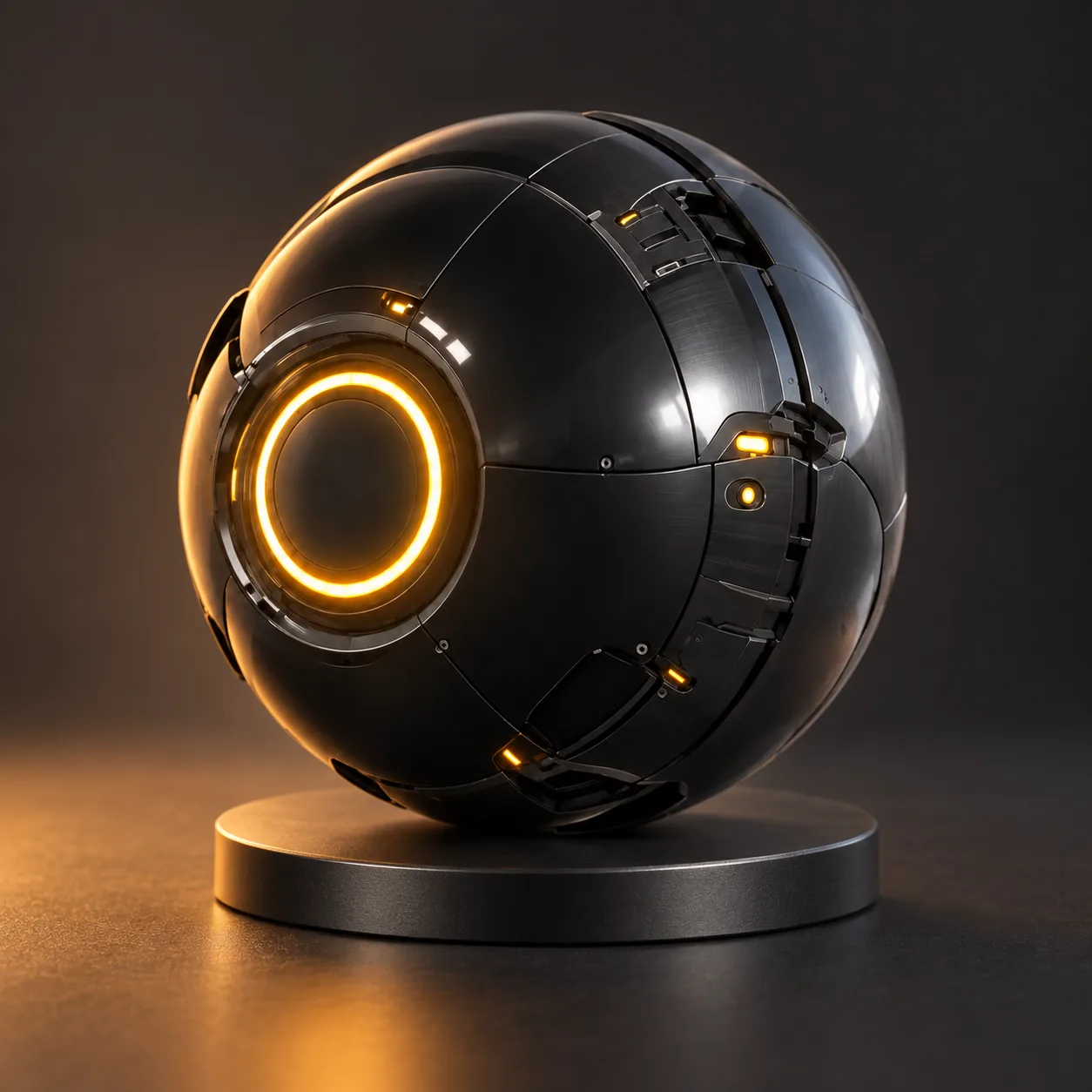
Orbit
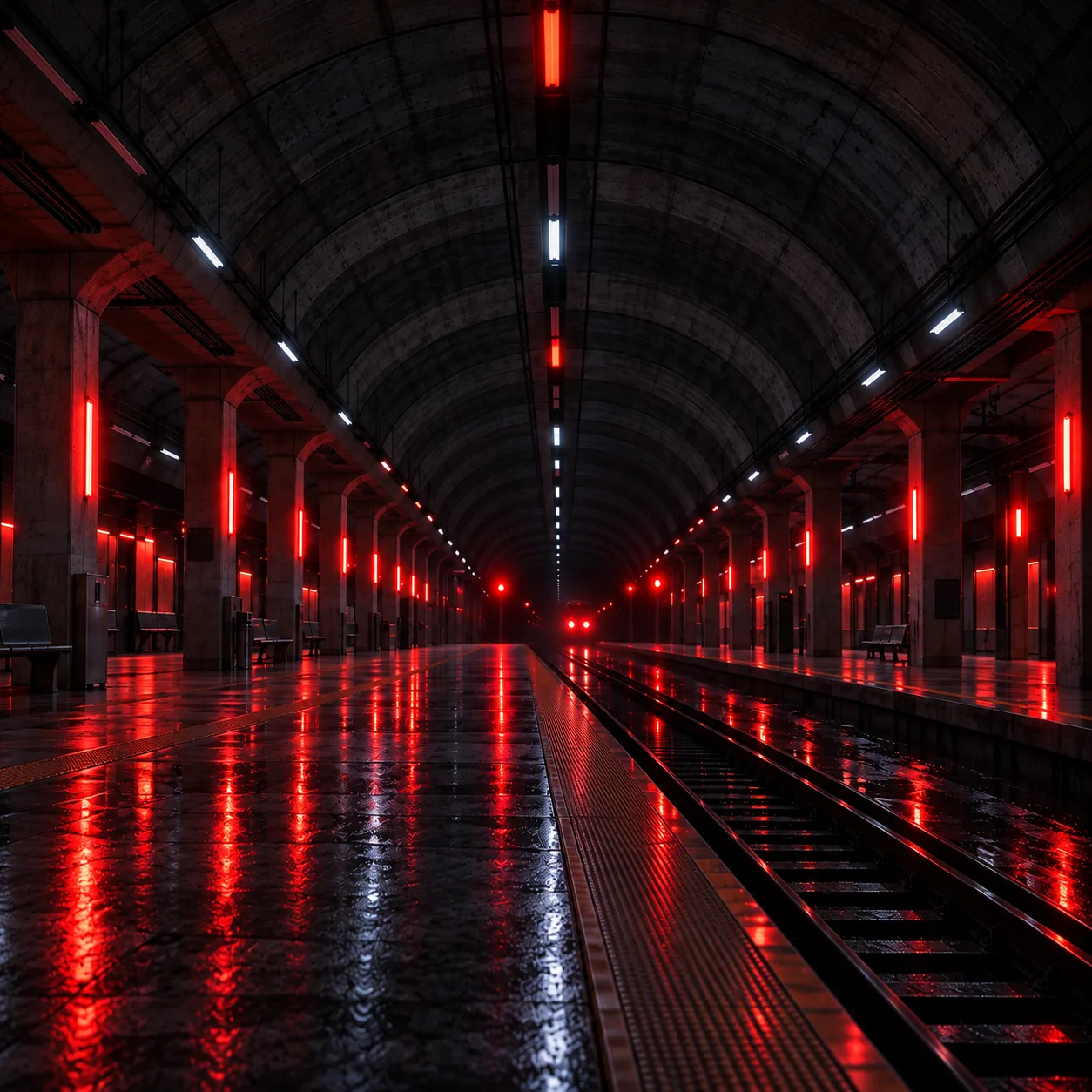
Station
Campaign Ouputs
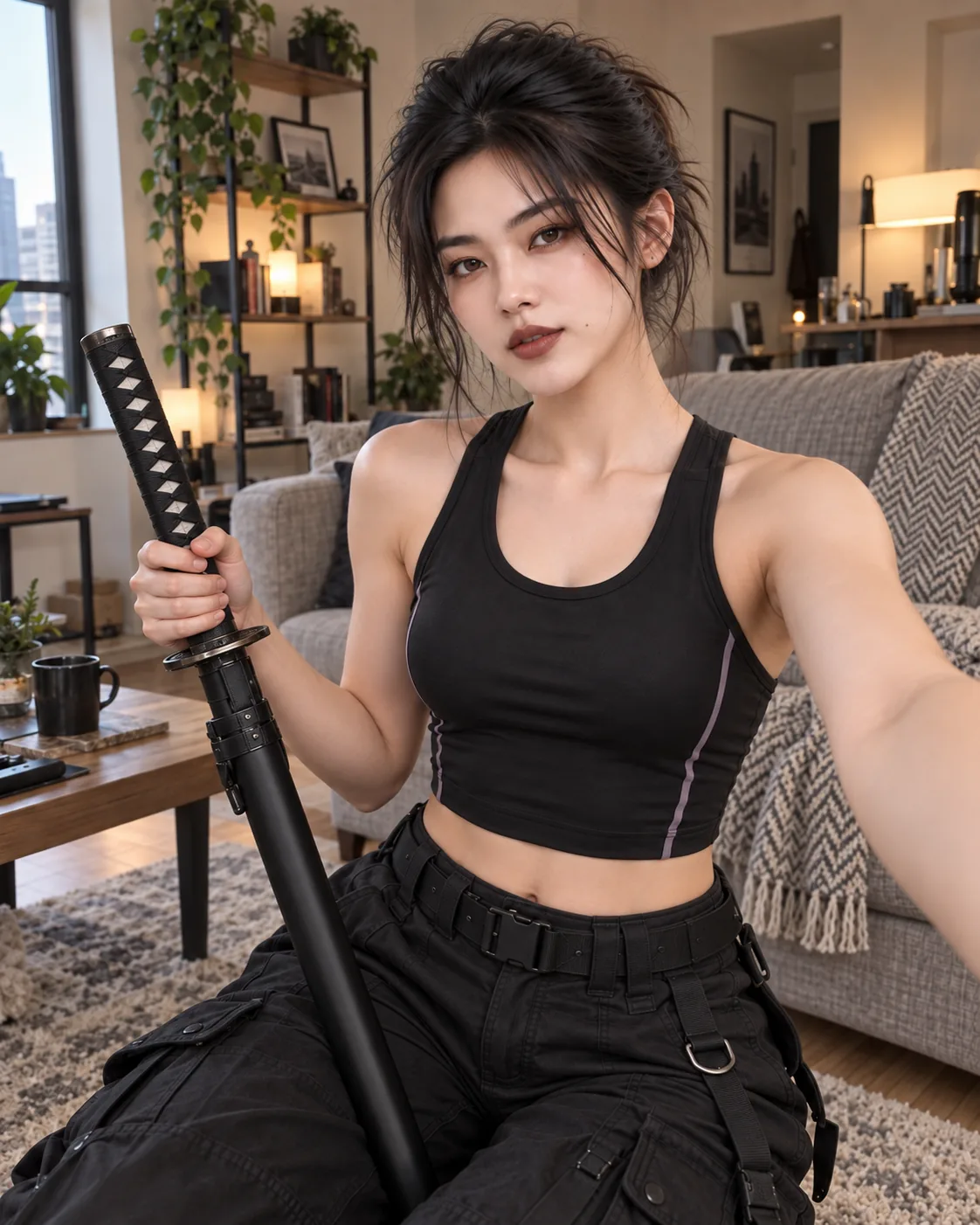
Dua UGC
Orbit Product
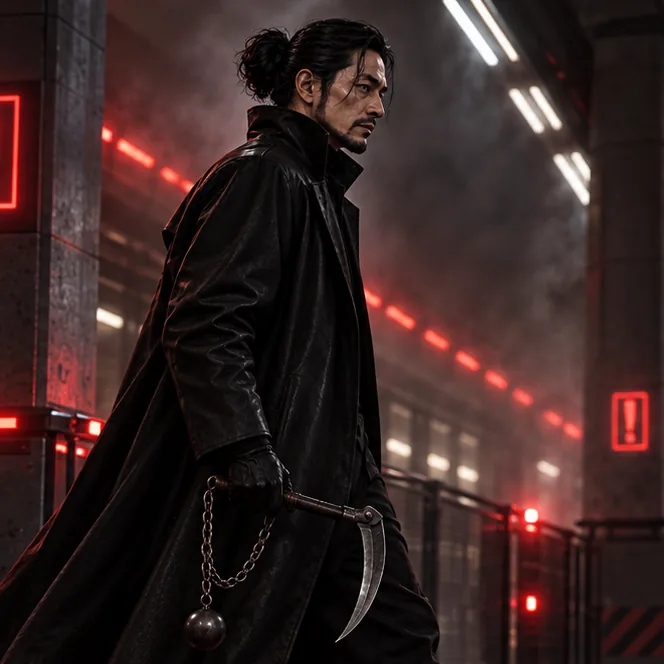
Sensei Battle
Sensei Battle
Workflow Tools
06 / the developer surface
px ships with an MCP server, agent skills, and a command line tool for resolving and editing resources inside your project.
1. Install PX + agent skills
curl -fsSL https://portals.works/api/px/download | bash2. Initialize a repository
# Initialize a new repository
px init eye-candy

# Initialize with local provider
px init eye-candy --provider local

# Initialize with remote provider
px init --provider remote --remote-url lore://127.0.0.1:41337 --workspace-id my-workspace

# Configure provider only (no repository creation)
px init --provider local

# Initialize with a remote origin
px init eye-candy --origin lore://127.0.0.1:41337/eye-candy3. Create an entity
# Create a character
px create character dua -u eye-candy -n "Dua"

# Create a location
px create location underground-station -u eye-candy -n "Underground Station"

px create character dua -u eye-candy -n "Dua"4. Add a representation
# Save a generated scene clip as a video representation
px add px://eye-candy/scene/dua-orbit-station clip-01 ./dua-orbit-station-clip-01.mp4 --format mp4 -m "Add dua-orbit-station scene clip"

# Save another take under a distinct representation key
px add px://eye-candy/scene/dua-orbit-station clip-02 ./dua-orbit-station-clip-02.mp4 --format mp4 -m "Add alternate dua-orbit-station scene clip"

# Inspect the scene and direct representation provenance
px resolve px://eye-candy/scene/dua-orbit-station --provenanceTypeScript Example: Download character sheet
import { presignRepresentation } from "@portalshq/px";

const result = await presignRepresentation(
  "eye-candy/character/dua",
  "character_sheet",
  { branch: "episode-1", ttlSeconds: 900 },
);Python Example: Download character sheet
from px_sdk import presign_representation

result = presign_representation(
    "eye-candy/character/dua", "character_sheet", branch="episode-1", ttl_seconds=900
)For filmmakers, writers, artists, creative developers, production teams, and the projects that grow into worlds.
px is free and open source. Use it for personal projects, AI experiments, and production workflows. No subscription required.
If you're building with a production team,
Portals adds team workspaces, shared repositories, production history, and organizational workflows. Explore Portals